2026 · Personal browser-game project
Dev Run
The game got slightly out of hand
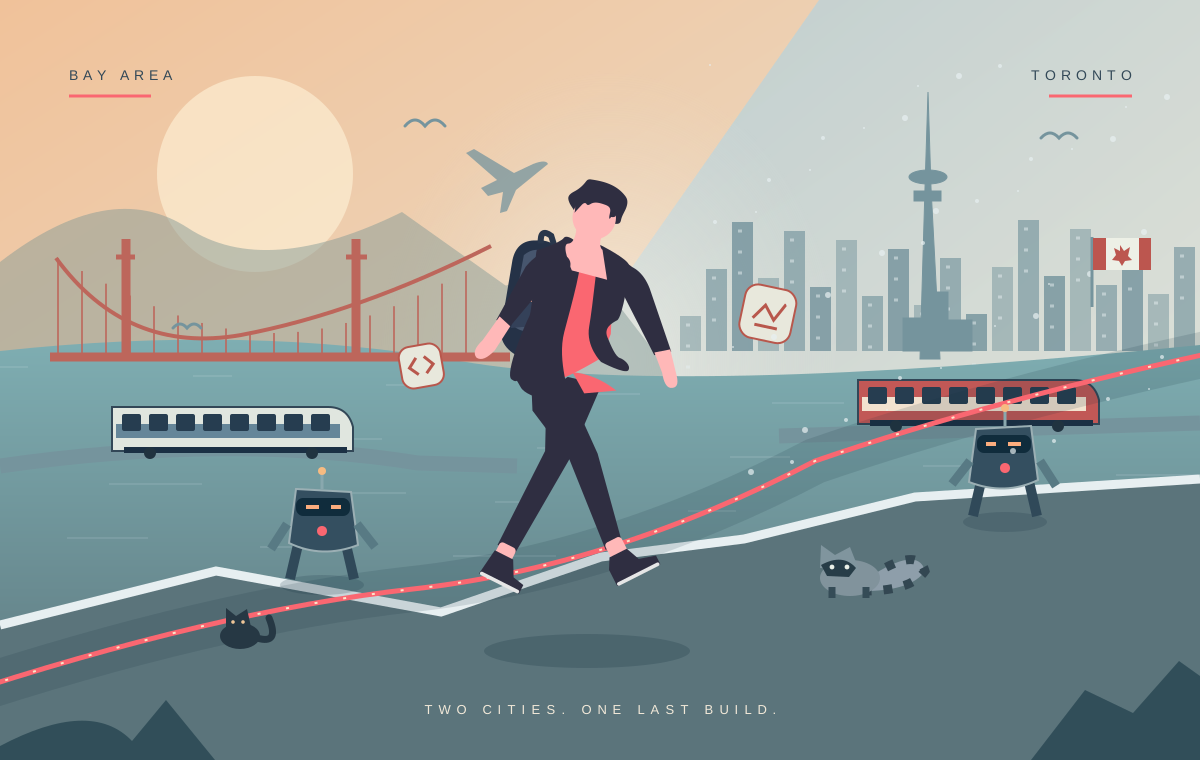
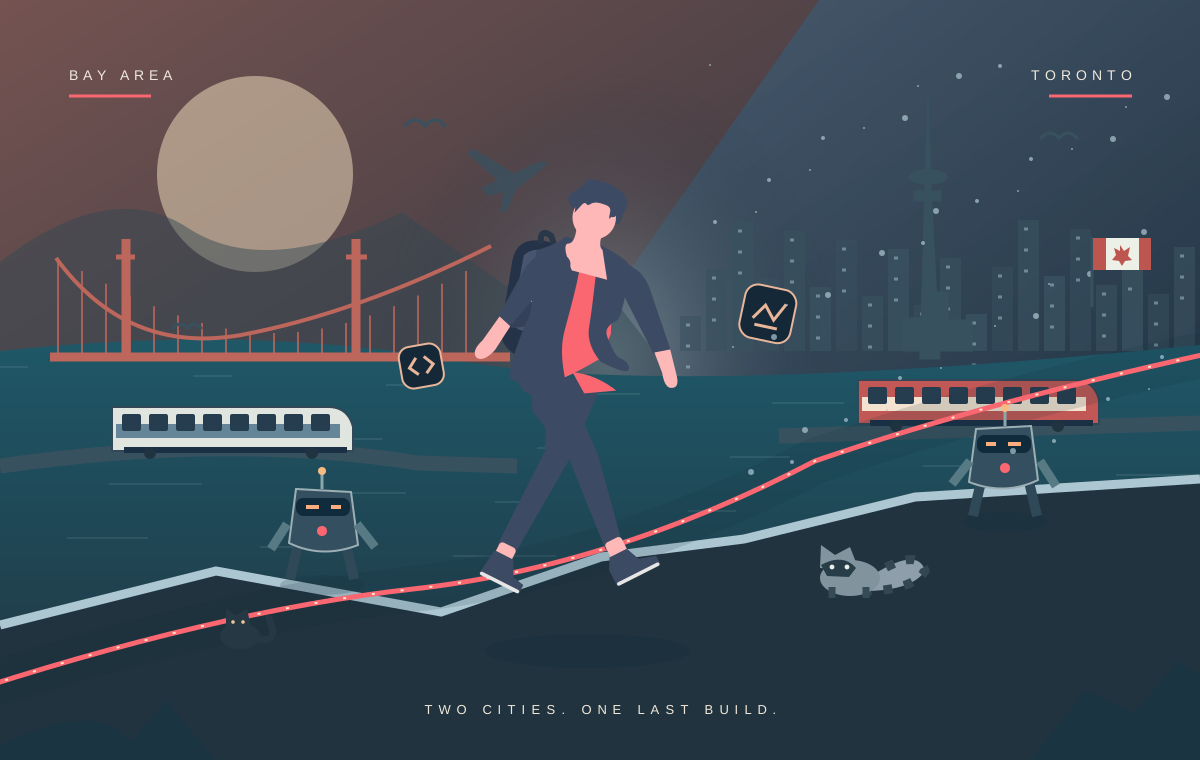
The little Dev on this site finally has somewhere to go. This game takes him from Toronto to the Bay, through broken builds, missing map tiles and a last deployment. It is a short journey with a finish line, not an endless score chase.
A shorter trip, with more happening
The first version ran for six minutes. Too much of it felt like waiting for the next obstacle. This version takes about three minutes of active play, followed by a small celebration. Eleven authored chapters move through Toronto rooftops, snow and transit, a data map, San Francisco hills and a final deployment.
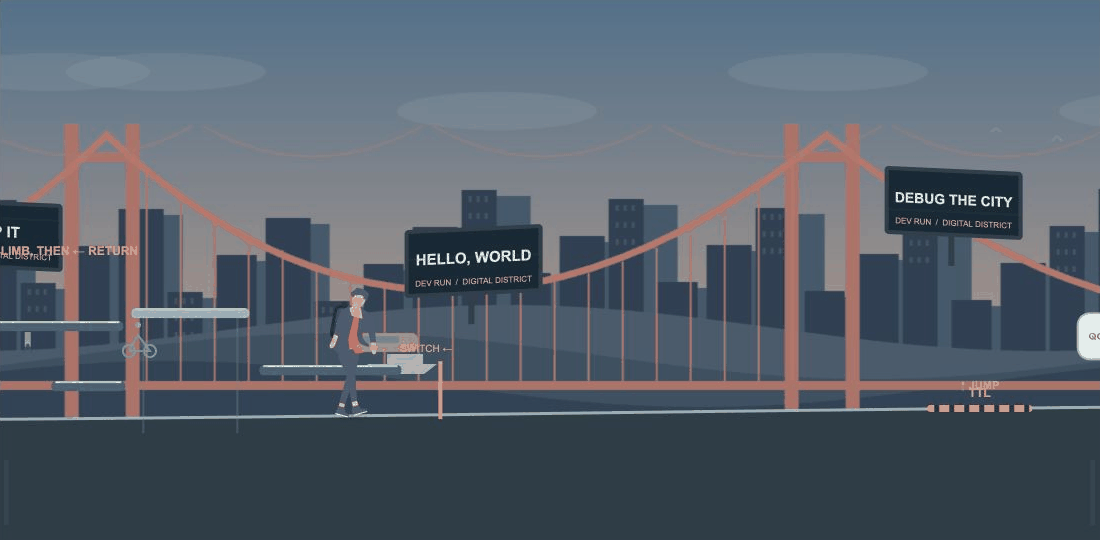
Five small switch pockets ask you to go forward, climb, then return left. Moving lifts and upper ledges hide a few secrets; the lower service switch is quicker. Two marked ramps offer a laptop ride or a footpath. You can stop, backtrack and adjust a jump in the air. A map interlude and the downhill rides carry momentum between those quieter decisions. The order is authored. Only small spacing variations use a seed.
Give Dev something to do
The character uses the same Dev artwork as the rest of this site, with a commuter backpack added to the rig. Running has a twelve-frame cycle, and jumping moves through anticipation, push-off, tuck, apex, descent and landing. The backpack lags behind the body and settles after impact.
The laptop ride is the running joke: reach into the bag, take the laptop out, flip it down, mount it, then pop it up and catch it before returning to a run. Hand positions follow the prop during the catch and stow. These are cached SVG poses selected from movement and event state, rather than a static sprite moved up and down.
One set of rules for the picture and the collision
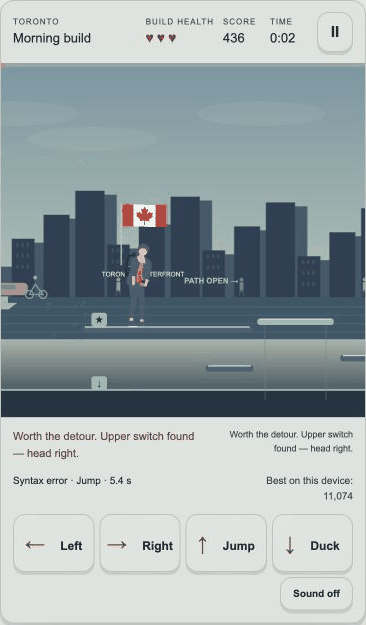
Plain JavaScript modules drive a fixed 120 Hz simulation and a Canvas 2D renderer. Course data, physics, scoring and checkpoints run without a browser. The HUD is ordinary HTML, updated ten times a second and on important events.
Bouncing bugs, falling builds, pulsing gates, shifting dependencies and expanding leaks share their transforms with the collision system. A moving drawing cannot quietly leave its hitbox behind. The laptop uses a crouched body box. Jump buffering and coyote time soften late inputs without changing the three readable responses: jump a block, clear a gap or slide under an overhead hazard.
- InputKeyboard or large pointer controls
- SimulationPhysics, route choice and collision
- EventsTools, checkpoints and reactions
- PresentationCharacter poses, world and HTML menus
Let the world change around him
World zones overlap along the route. The renderer prepares the next skyline before it enters view, blends sky and ground colors, and carries parallax positions across chapter boundaries. Buildings, tunnel portals and weather move through the view at their world positions instead of replacing the whole background. Parallax streets, passing transit, distant birds, drifting fog and bridge cables give the route several layers. Snow stays outside the tunnel. The data chapter becomes a map of moving layers, and the second coast shifts toward warmer light. Hazards remain in front of weather so their silhouettes stay readable.
Horizontal acceleration, braking and softer air control make direction changes deliberate. A two-way camera uses a soft dead zone, eases its lead when you turn and follows raised platforms vertically. On a marked slope, Down starts the laptop extraction; an ordinary duck keeps the laptop in the bag. Tool pickups can save a checkpoint, clear a nearby bug, cover a gap or reveal a landing. Those effects are fictional game rules, not claims about the products whose marks identify the tools.
An ending worth reaching
A cat appears along the way, then returns with a trophy cart. The finish has time for Canadian and U.S. crowds to gather from opposite sides, two representatives to help with the trophy, Dev to raise it and the cat to get some attention. Accurate flags and a poster-like skyline callback bring both places into the celebration. The sixteen-second ceremony finishes before the results appear below it. A clean run gets a different line, but everyone who finishes sees the celebration.
Three hearts and recoverable checkpoints keep a mistake from erasing the trip. Retrying restores checkpoint score and pickups while retaining collision, time and retry totals. Pausing releases held controls and freezes the scene until you return. Sound is optional and starts muted; its short synthesized tones carry no information that is unavailable visually.
The quiet route keeps the whole journey
Route planner removes the scrolling and timing pressure. It keeps the obstacles, both branch choices, project secrets and the full ending, with a button to advance each ceremony beat. Reduced-motion preferences select it automatically; it is also available in the title menu. Its local best is separate from the timed adventure.
The game loads only on its dedicated route. The world cache keeps visible zones and their immediate neighbors, then releases distant scenery. Particles are capped, and character images are decoded once and reused. Keyboard state and independent pointer IDs let movement and jump stay held together; cancelling a touch or leaving the page releases it. The controls have text labels and an optional tap-to-walk setting. High scores stay in the browser. There is no account or leaderboard service. Analytics is on by default, with an off control on the privacy page. Selected events record game milestones; they do not record per-frame movement or input history.
What review changed
Deterministic tests cover the simulation, including complete routes across multiple seeds. Full browser runs cover desktop, phone-sized portrait and landscape layouts, deliberate missed inputs and untimed play. Native Safari checks are recorded separately from Chromium viewport emulation. A complete recording and ordered pose sheets exposed details that passing physics tests could not: a background seam, hand-to-laptop alignment, crowd scale and a clipped foot.
Clean timed input tests finished in about three minutes before the ceremony. Those reviews used desktop browsers, including phone-sized viewports. Physical-phone performance and first-time-player feedback remain useful next checks.
Character source: unDraw license. Technology artwork sources and notices. Names and logos identify tools; no endorsement is implied. Flag artwork and billboard context.
Continue under the hood
When the browser falls behind
A bounded catch-up, not an unlimited loop
The runtime accumulates elapsed time for the fixed 120 Hz simulation, caps each update loop at twelve steps and clamps incoming frame time. A long interruption must not turn into an unlimited backlog of physics work.
Losing focus releases held input. Returning from a pause or fullscreen transition should not leave the character walking because a key-up event was missed.
What each kind of check can prove
A deterministic simulation test can check that a route remains completable. A browser run checks the menu, focus and viewport. A pose sheet checks whether the hand actually meets the laptop.
Those checks complement each other. None substitutes for first-time-player feedback or a physical-phone run.